
Celebrate: Photo Booth
For iPad and iPhoneThe photo booth your guests run themselves.
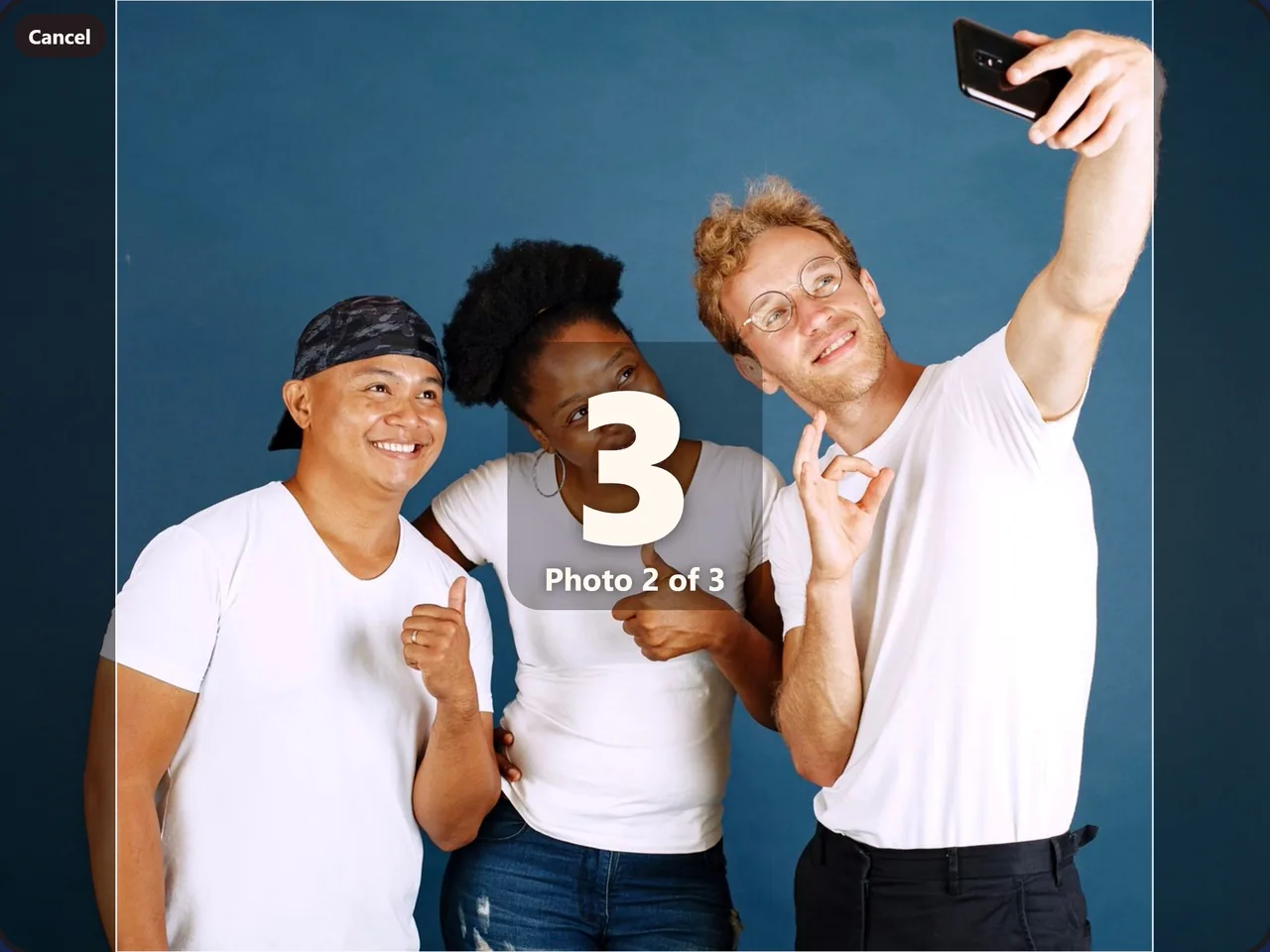
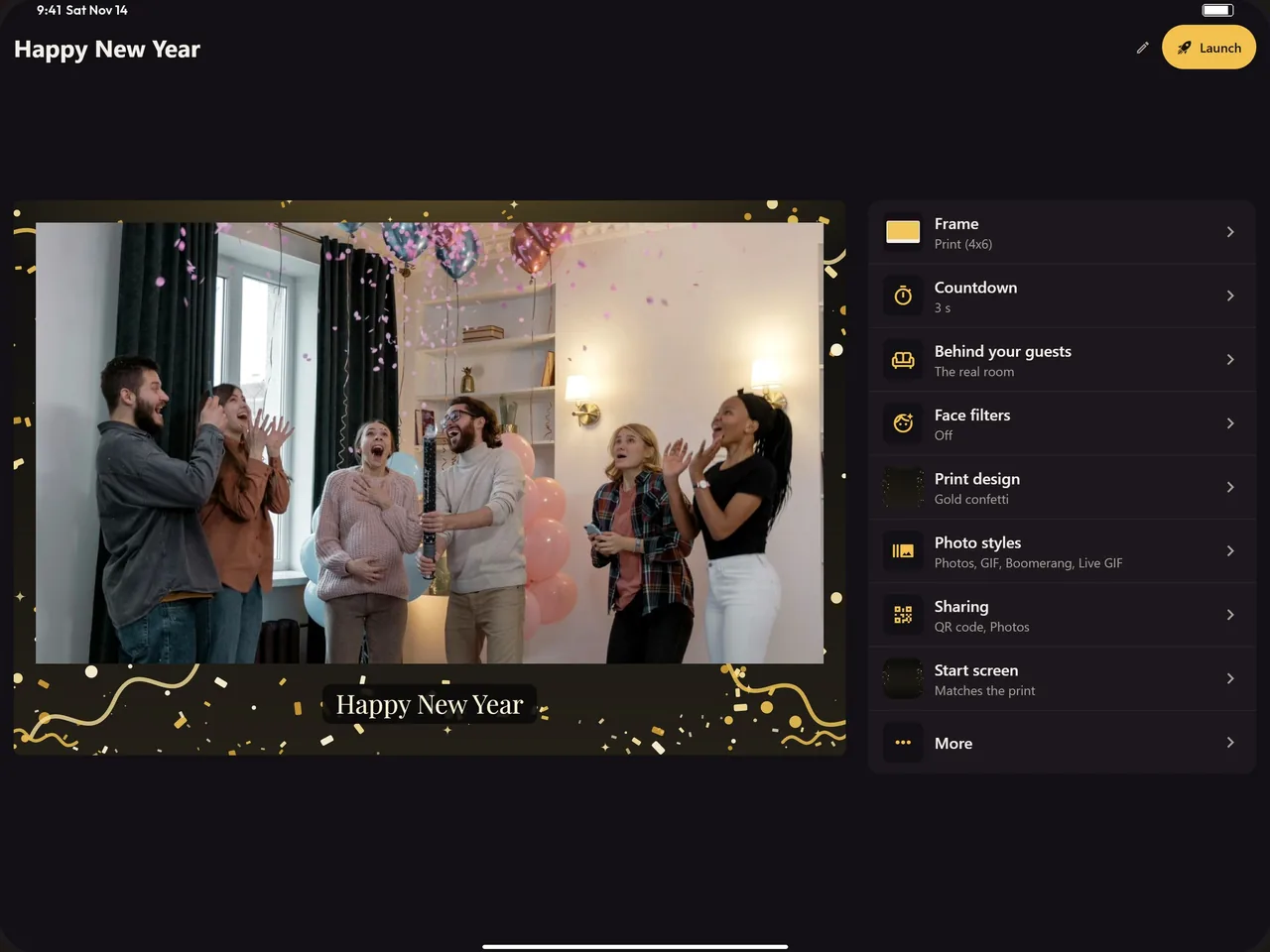
Set an iPad or iPhone on a stand and tap Launch. Guests get a countdown, their photos, and a print, GIF or video message in your event’s look.
Not available in the EU yet.
Features
Prints, motion, video and sharing, from a device you already own.
Strips and 4x6 prints
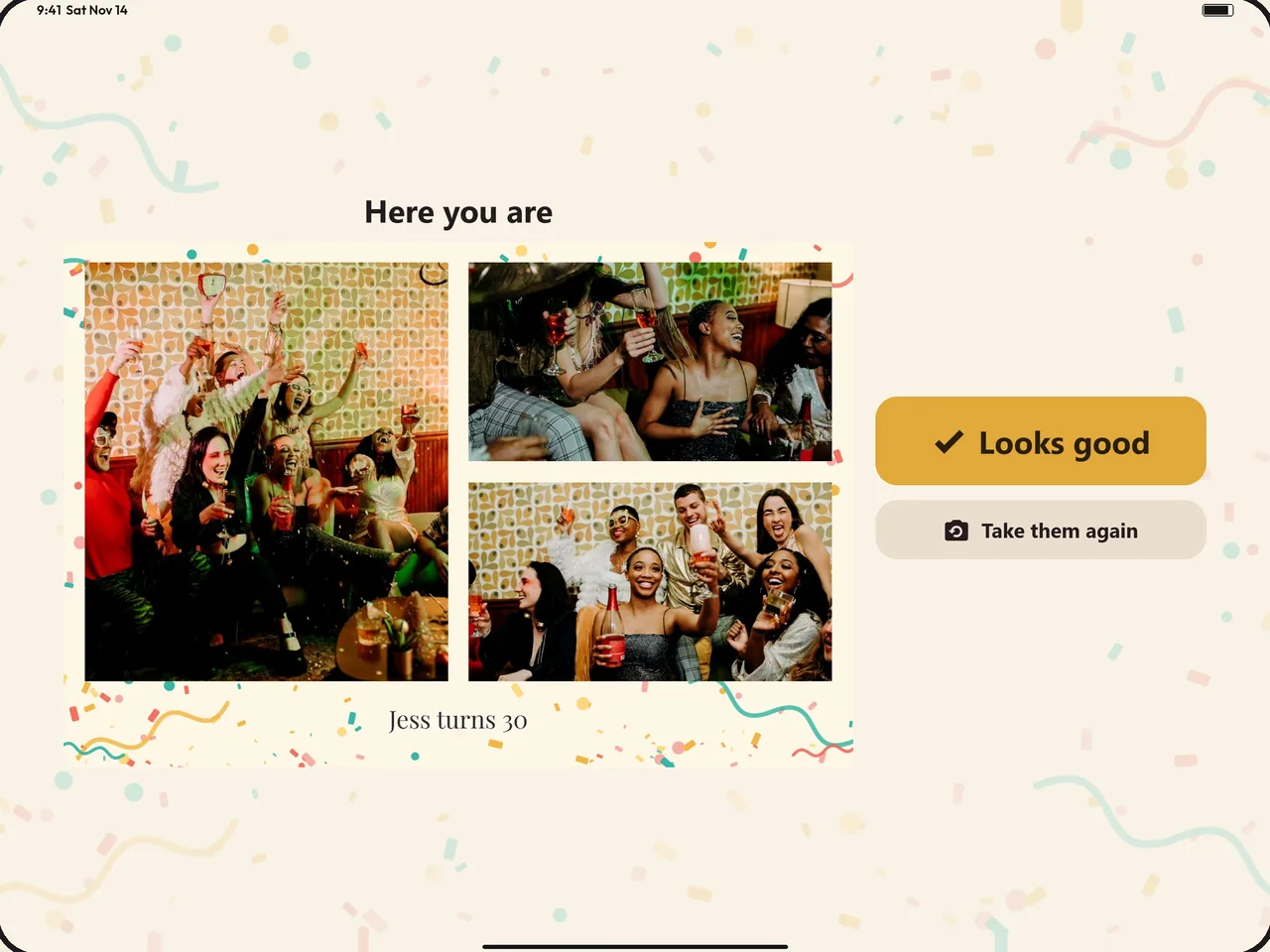
Strips, 4x6 prints, squares and full-screen photos with your event name, date and logo. Any AirPrint printer on the same Wi-Fi prints them.
GIFs and boomerangs
GIFs with a pause between poses and boomerangs that loop on every guest’s phone.
Video guestbook
Guests record a short video message with sound, right at the booth, to keep with the photos.
Live face filters
Filters guests pick on the camera for their photos, in themes for weddings, birthdays and holidays.
Green screen backgrounds
Put guests in front of a scene that fits the party. No green screen to set up.
QR code and email
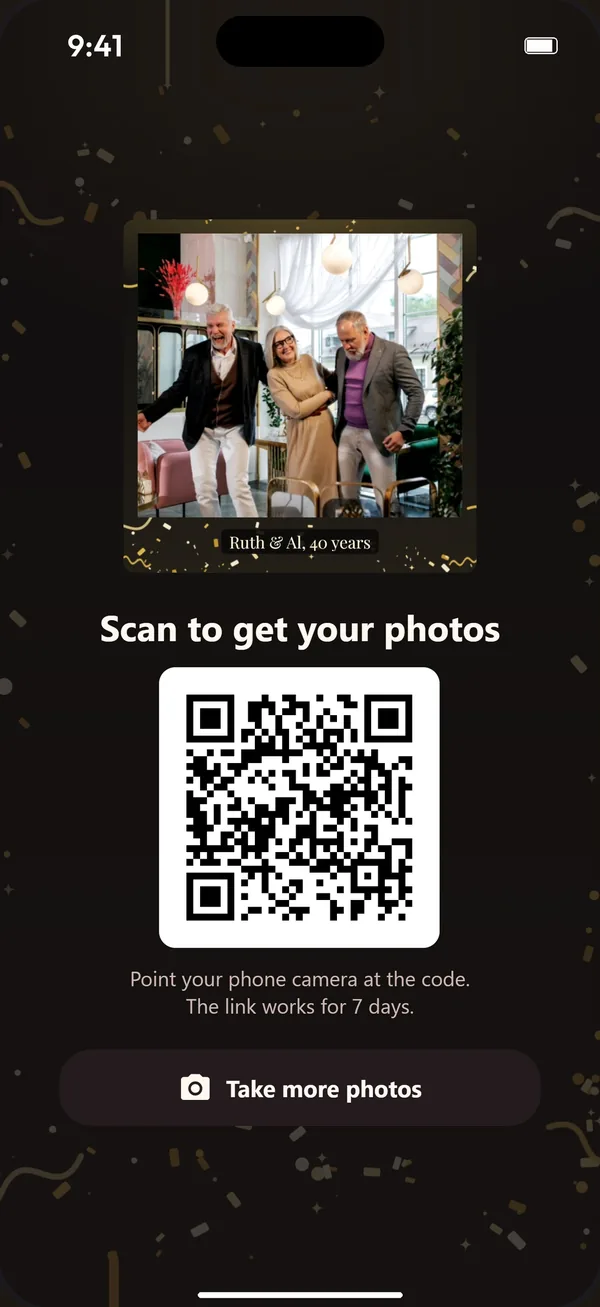
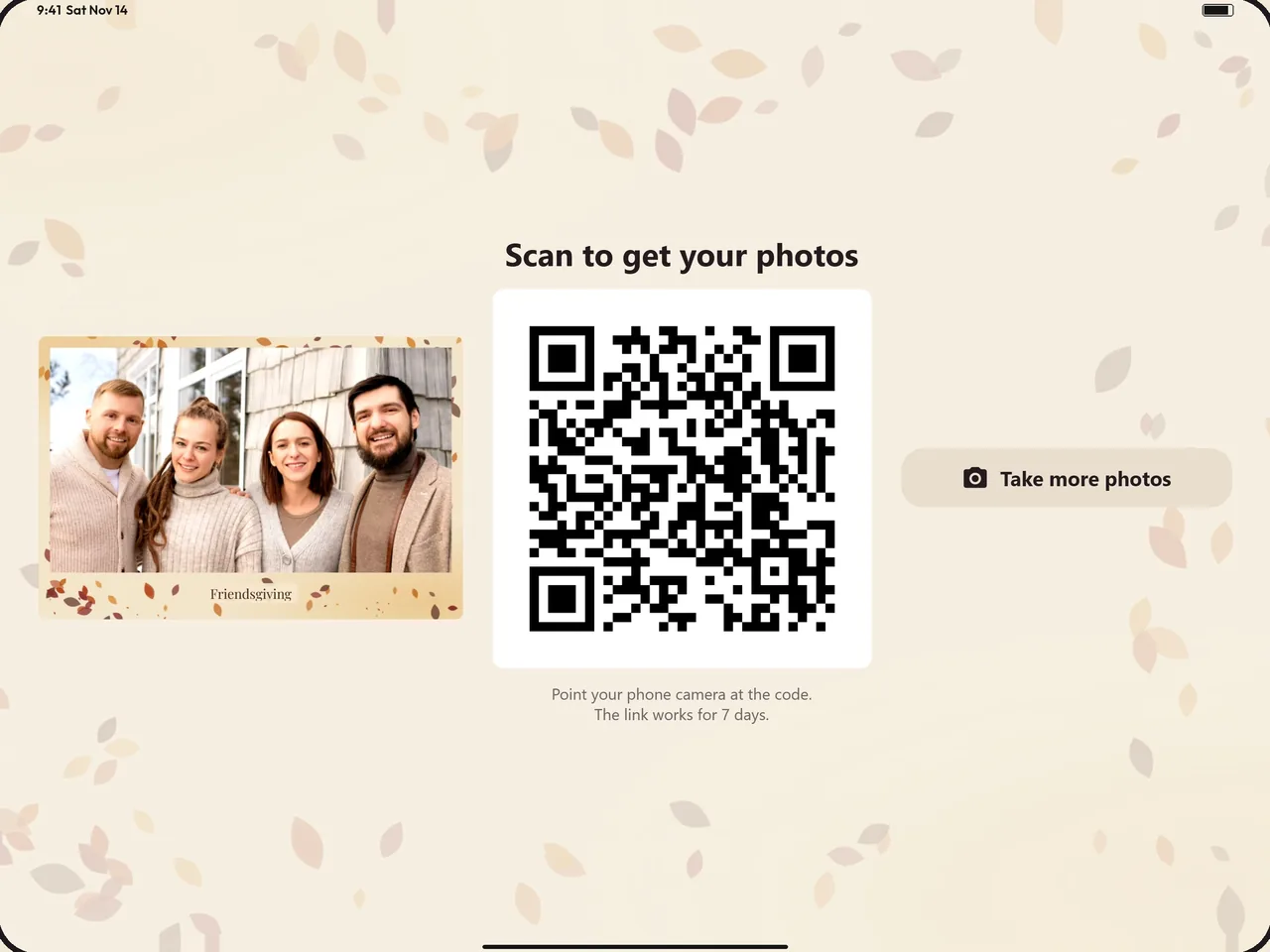
One code puts the photos on guests’ phones, ready to save and share. It’s on for every new event. Turn on email and the link goes to their inbox; the address is used once to send it, then deleted.
30-day gallery
Every picture and video from the event on one page for 30 days, for $4.99 per event. Without it, links last 7 days.
Keeps working offline
Keeps working when the venue Wi-Fi drops. The booth uploads each photo once it’s back online, and the QR link opens then.
Host controls
A PIN keeps guests out of the settings; turn on Apple’s Guided Access and they can’t leave the booth. A party screen shows the photos on a TV. The app follows the device’s language, English or Spanish.
How it works
Make it yours
Name the event, then pick a frame, a countdown, filters and a theme. Add your logo.
Launch
A short checklist covers the camera, the printer, the battery and Guided Access.
Guests take over
They tap Start, smile and scan the code. You enjoy the party.
Pricing
Pay once through Apple. Nothing renews.
Try it
3sessions
Three sessions at no cost, so you can run the booth before the party.
Event Pass
$14.99once
Everything unlocked for 72 hours from purchase, for one party.
Lifetime unlock
$39.99once
Every feature for every event. Restore it on a new device with the same Apple account.
Add the 30-day gallery to any event for $4.99 and its photos stay online 30 days instead of 7. No account and no watermark. Not available in the EU yet.